
See Applications in My Folders
On this page you can view and work with the applications in the folders you are monitoring.
Here's how:
1) Click on the My Account tab.
2) Click on My Folders & Routings.
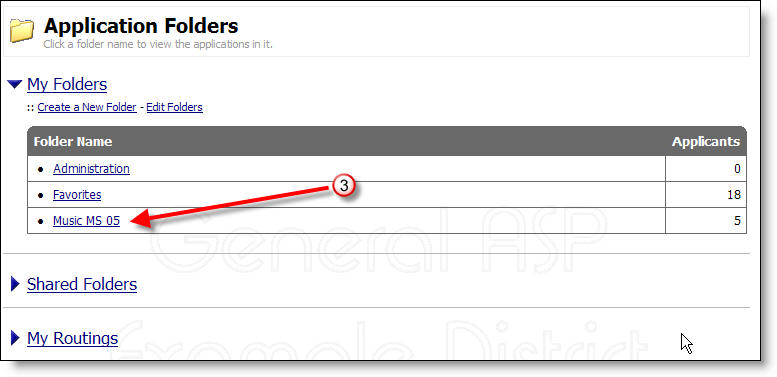
3) Click on the name of the folder in which you would like to see the applications.
More Information: